
Showing posts with label Export. Show all posts

Monday, June 26, 2023

Version 2.0 for iOS is available now on the App Store

After many long months of completely overhauling the user interface, MOMDYN v2.0 for iOS is now live and out of beta testing! I generated this little slinky wave animation to celebrate. Download it from this link and if you enjoy, make sure to leave a review.


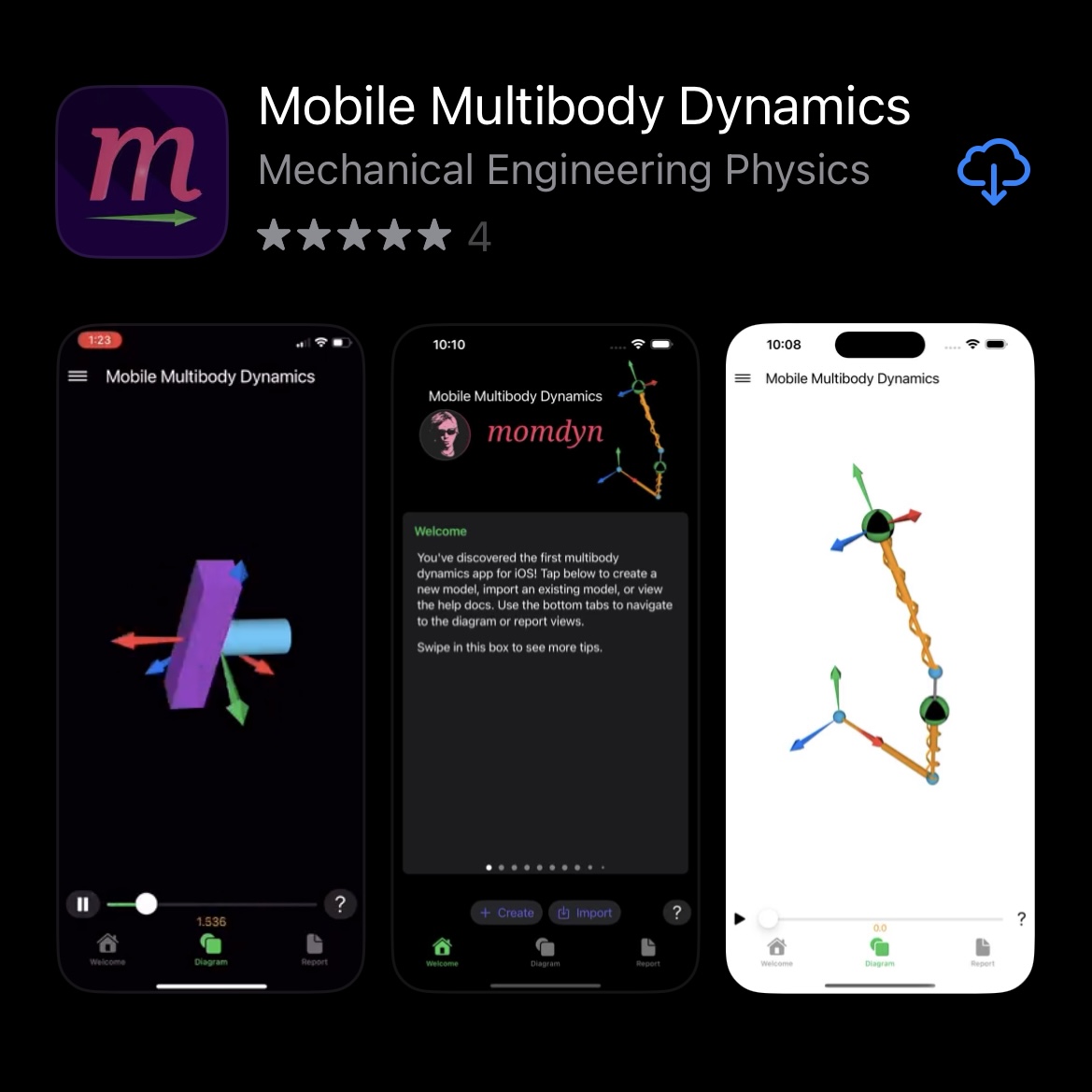
And here is the listing itself. This is just a screenshot, if you check out the listing on the App Store itself, that image on the left is actually the App Preview video, which you can also find on YouTube.


Thursday, August 6, 2020

Feature Showcase - Free Motion Joint


In today's episode I demonstrate how to use MOMDYN to create a free motion joint, sometimes called a 6-degree-of-freedom (6-DOF) joint. This represents the motion of an object (any object) as it moves freely through the air; say, for example, my iPhone when I throw it across the room.

That is exactly what I did in a video that I created to demonstrate the new feature, which is embedded after the jump. I also plot some of the data in a notebook that can be accessed in Google Colaboratory. I hope you will be interested in experimenting in that notebook, and maybe recreating some of it yourself (just make sure your phone lands on a soft spot). 

For more information on how to implement the new feature in your own model, keep reading.

Saturday, May 9, 2020

What's new in version 0.7?

The newest MOMDYN beta release is the first to include the capability to export data and code from the model to share with colleagues, or to transfer your analysis to a desktop environment. From the menu dialog, there is now an export button, in which there are three options.
  • Model : used to share and import to the MOMDYN app
  • Simulation : tabular data for each state variable
  • Python : source code that can be executed on a desktop
On iOS, open the “Files” app and navigate to “On My iPhone/momdyn/momdyn/Documents” to view exported files. To import another user’s model, place the momdyn_model.py file into your “On My iPhone/momdyn/momdyn/user” folder, then it will be visible in the import menu on the welcome screen.