Showing posts with label Python. Show all posts

Monday, June 26, 2023

Version 2.0 for iOS is available now on the App Store

After many long months of completely overhauling the user interface, MOMDYN v2.0 for iOS is now live and out of beta testing! I generated this little slinky wave animation to celebrate. Download it from this link and if you enjoy, make sure to leave a review.


And here is the listing itself. This is just a screenshot, if you check out the listing on the App Store itself, that image on the left is actually the App Preview video, which you can also find on YouTube.


Sunday, March 19, 2023

Check out our updated help menu


Some of the feedback I've received on the iOS app is that the learning curve is a bit steep. I'd like to fix that, and add some helpful onboarding content. In the most recent build, there is now an updated help screen, with links to the online help, as well as in-app documentation on all of the modeling components. Check out the demonstration on Youtube:


Sunday, January 23, 2022

Ship It! Version 2.0 is rolling out, and new vibration tutorial


As I've mentioned in the last two posts, MOMDYN is getting its biggest upgrade yet, with version 2.0 for Android implementing a fully rebuilt, native interface. We will be rolling out to all new and existing users in the next week. In the meantime, check out this tutorial on Youtube to create a mass-spring-damper system, typical of vibration analysis (after the jump).

Tuesday, January 18, 2022

Version 2.0 beta test is live for Android users

As I posted a couple months ago, I have been hard at work re-building the Android version of Mobile Multibody Dynamics. Well, I'm happy to say that the update is just about 98% done, and ready to go for beta testers! If you are an Android user, you can opt into the beta test by visiting https://play.google.com/apps/testing/com.badeyedea.momdyn. Below image is from the updated tutorial video for a simple pendulum, and you can catch a Youtube video showing how to create this model after the jump.

Saturday, June 12, 2021

A Splash of Color - Happy Pride from MOMDYN!

Long time, no post. Been quite active with the MOMDYN updates, in fact, making things more efficient, and as of today, prettier. Check out the animation below with our newest feature: color specifications for bodies.

Thursday, April 1, 2021

Version 1.6 - New Interface


An update to MOMDYN is now live on the App Store, and will be coming to Google Play in the next few days. Of note, the menu now shows up in a navigation drawer, and the welcome screen is tidied up, as you can see above. You can check out a demonstration of the update on Youtube, which I embedded after the jump. A few smaller technical changes and bug fixes as well, all-in-all should make for a useful update. Cheers!

Thursday, December 24, 2020

Version 1.4 - Universal Joint


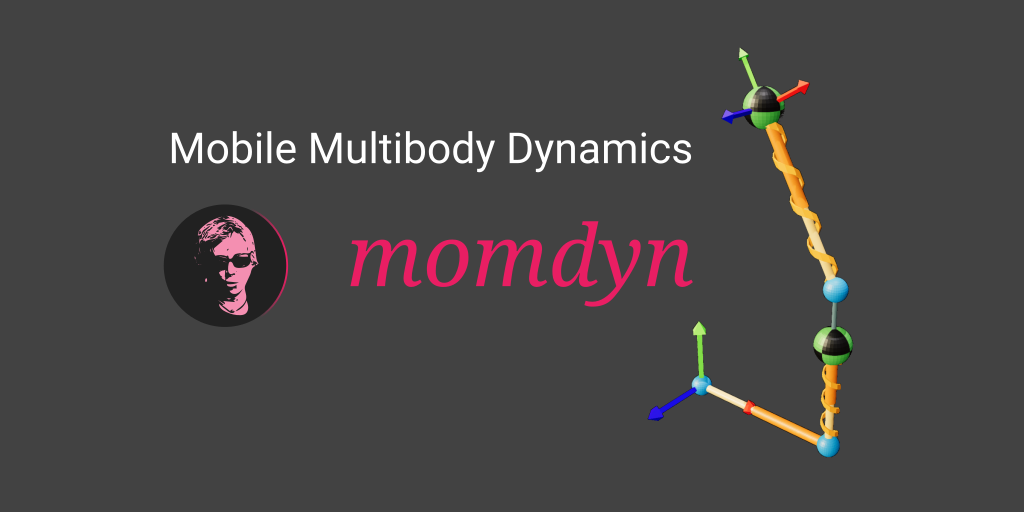
The latest MOMDYN release is on the way, will be in the stores in the next day or so. The universal joint is the newest joint in the app, which creates a frame with rotations about two axes in an Euler sequence. You can see this in the graphic above, which consists of two universal joints, a rigid translation, and two rigid body boxes. Note the large angular displacements where you can observe the relatively slow oscillation about the vertical (Y) axis, and faster oscillation about the horizontal (X) axis. 

Besides the new joint, I did a whole lot of refactoring and bug fixing in this release. Added a whole lot of test coverage, so while this may not be the most feature-rich update, but I also hope it will be a lot smoother running and crash-free. I plan for this to be a trend; not too many new features going, but a lot of refinement to make the existing features work well. If there's anything you would like to see in upcoming versions, or anything that I'd royally screwed up, I would love to hear it!


Thursday, November 19, 2020

Version 1.2 - New 3-D Graphics


the latest update to MOMDYN should require little explanation, the diagram view has been updated to include a 3-D rendering. You can toggle between this new rendering and the previous 2-D drawing using the button labeled with either a [2] or [3] on the top line. In the 3-D view, tap and drag to translate the view, double-tap and drag to rotate.


The update is expected to be live in both the App Store and Google Play in a matter of hours. In the mean time, check out this video of the graphics in action.


For any Python and Kivy folks that are interested, these graphics are generated using a fork of the kivy3dgui library. There were only a few minor changes; I used a different glsl shader than the default because the initial one crashed on iPhone. Also a few minor syntax bugs that popped up, I suspect just a difference in Python version from what was used to create kivy3dgui versus what I'm using.

Other than that, the interface and simulation engine are all the same as before. 


Thursday, August 6, 2020

Feature Showcase - Free Motion Joint


In today's episode I demonstrate how to use MOMDYN to create a free motion joint, sometimes called a 6-degree-of-freedom (6-DOF) joint. This represents the motion of an object (any object) as it moves freely through the air; say, for example, my iPhone when I throw it across the room.

That is exactly what I did in a video that I created to demonstrate the new feature, which is embedded after the jump. I also plot some of the data in a notebook that can be accessed in Google Colaboratory. I hope you will be interested in experimenting in that notebook, and maybe recreating some of it yourself (just make sure your phone lands on a soft spot). 

For more information on how to implement the new feature in your own model, keep reading.

Tuesday, July 21, 2020

What's new in version 0.9?

New MOMDYN version will be out for beta testing in the next few days. Version 0.9 will include these new features:
  • Planar joint (two translational states, one rotational)
  • Free motion joint (six degrees of freedom)
  • Playback speed setting
  • Approximate size setting
The first two are what I'll call the motion joints, used for rigid body motions with both translation and rotation. I used the free motion joint to generate the flying box at the right, similar to the spinning box example I posted previously, but now with 3-D translational dynamics. With quaternions!

The second two are tied to the visualization, but not to the model itself. Playback speed will allow you to slow down or speed up the animation, and approximate size dictates the size of fonts, thickness of lines, etc.

Tuesday, June 16, 2020

Feature Showcase - External Force

In version 0.8 I have added external and actuated forces and moments. What took me so long, you ask? I don't know, I guess it seemed like low hanging fruit, so I didn't really prioritize it, but here they are.

I added a video to the MOMDYN Youtube channel demonstrating an external force to create a form of the classic Duffing oscillator. The video doesn't cover much of the theory, as its more focused on using the app, but to suffice to say you can get some wild and chaotic dynamics out of a seemingly simple system. Read on after the jump for more discussion of the dynamics you see in the video.

Thursday, June 11, 2020

Whats new in version 0.8?

I'm back in business! Had a little hard drive issue on the laptop I use to build and distribute, so I've been working on the code but hadn't been able to update the beta test release for a little while. Thats all resolved now though, and the updated version should be live in the next day or so. Four new load types are included:

  • External Force
  • Actuated Force
  • External Moment
  • Actuated Moment

Sunday, May 10, 2020

Tutorial video - revolute and prismatic joints


I uploaded a video to Youtube which shows new joint mechanics that have been added in the last couple of releases. Joints in MOMDYN combine attributes of various features of the classic interface. A revolute joint creates a new frame along with the associated symbolic constants and time varying properties. A prismatic joint creates a vector and point. Each can include spring-damper physics, which is included in the demo. 


Saturday, May 9, 2020

What's new in version 0.7?

The newest MOMDYN beta release is the first to include the capability to export data and code from the model to share with colleagues, or to transfer your analysis to a desktop environment. From the menu dialog, there is now an export button, in which there are three options.
  • Model : used to share and import to the MOMDYN app
  • Simulation : tabular data for each state variable
  • Python : source code that can be executed on a desktop
On iOS, open the “Files” app and navigate to “On My iPhone/momdyn/momdyn/Documents” to view exported files. To import another user’s model, place the momdyn_model.py file into your “On My iPhone/momdyn/momdyn/user” folder, then it will be visible in the import menu on the welcome screen.