Tuesday, July 21, 2020

What's new in version 0.9?

New MOMDYN version will be out for beta testing in the next few days. Version 0.9 will include these new features:
  • Planar joint (two translational states, one rotational)
  • Free motion joint (six degrees of freedom)
  • Playback speed setting
  • Approximate size setting
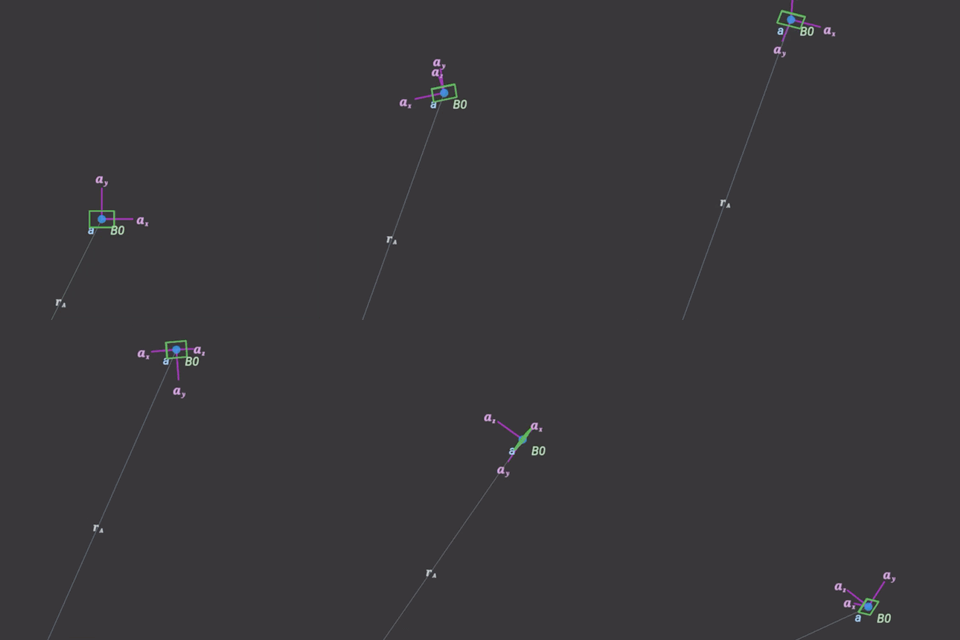
The first two are what I'll call the motion joints, used for rigid body motions with both translation and rotation. I used the free motion joint to generate the flying box at the right, similar to the spinning box example I posted previously, but now with 3-D translational dynamics. With quaternions!

The second two are tied to the visualization, but not to the model itself. Playback speed will allow you to slow down or speed up the animation, and approximate size dictates the size of fonts, thickness of lines, etc.

Tuesday, June 16, 2020

Feature Showcase - External Force

In version 0.8 I have added external and actuated forces and moments. What took me so long, you ask? I don't know, I guess it seemed like low hanging fruit, so I didn't really prioritize it, but here they are.

I added a video to the MOMDYN Youtube channel demonstrating an external force to create a form of the classic Duffing oscillator. The video doesn't cover much of the theory, as its more focused on using the app, but to suffice to say you can get some wild and chaotic dynamics out of a seemingly simple system. Read on after the jump for more discussion of the dynamics you see in the video.

Thursday, June 11, 2020

Whats new in version 0.8?

I'm back in business! Had a little hard drive issue on the laptop I use to build and distribute, so I've been working on the code but hadn't been able to update the beta test release for a little while. Thats all resolved now though, and the updated version should be live in the next day or so. Four new load types are included:

  • External Force
  • Actuated Force
  • External Moment
  • Actuated Moment

Tuesday, June 9, 2020

Feature Showcase - Model Export

From a prior entry in the blog, version 0.7 includes the ability to export data and scripts from the app. These can be shared with your peers, or transferred to a desktop environment to do more advanced analysis. I added a quick video at the link below with a demonstration of this in action.


Sunday, May 10, 2020

Tutorial video - revolute and prismatic joints


I uploaded a video to Youtube which shows new joint mechanics that have been added in the last couple of releases. Joints in MOMDYN combine attributes of various features of the classic interface. A revolute joint creates a new frame along with the associated symbolic constants and time varying properties. A prismatic joint creates a vector and point. Each can include spring-damper physics, which is included in the demo. 


Saturday, May 9, 2020

What's new in version 0.7?

The newest MOMDYN beta release is the first to include the capability to export data and code from the model to share with colleagues, or to transfer your analysis to a desktop environment. From the menu dialog, there is now an export button, in which there are three options.
  • Model : used to share and import to the MOMDYN app
  • Simulation : tabular data for each state variable
  • Python : source code that can be executed on a desktop
On iOS, open the “Files” app and navigate to “On My iPhone/momdyn/momdyn/Documents” to view exported files. To import another user’s model, place the momdyn_model.py file into your “On My iPhone/momdyn/momdyn/user” folder, then it will be visible in the import menu on the welcome screen.

Saturday, April 18, 2020

What's new in version 0.6?


Just released a new version the other day for beta testers. The new features you'll see are:

The revolute joint is, of course, a very common component in multibody software, mathematically analogous to a hinge. You can define a rotation axis either as one of your basis vectors, or specify components in multiple basis vectors. The example at the right shows a rotation about the vector 0.707 i + 0.707 k.

Spring graphics now use vector drawing commands, instead of the previous implementation where they were from pre-generated .png images. Should look a bit cleaner, and possibly have a little lower rendering overhead.